FILE PREPARATION
How to prepare your files.
Getting your files right the first time means faster proofing and fewer back-and-forth rounds. Here's everything you need to know.
The full file setup guides, process by process →
Questions? The print FAQ →
General requirements
These apply to every product across all three ordering paths.
| Requirement | Specification |
|---|---|
| File format | PDF (preferred). We also accept AI, PSD, and EPS. |
| Color mode | CMYK. We do not accept RGB files. Some Studio products also accept PMS (Pantone) spot colors. |
| Resolution | 300 DPI minimum |
| Bleed | 1/8" (0.125") on all sides. See business card template dimensions. |
| Safe zone | Keep all critical text and logos at least 1/8" inside the trim line |
Foil, Spot UV, and other finish masks
If your design includes foil stamping, spot UV, or any selective finish, you need to provide a separate mask file in addition to your artwork file.
A mask file is a black-and-white PDF that tells us exactly where to apply the finish. Black areas (K=100%) receive the finish. White areas receive nothing. The mask must be the same dimensions as your artwork file, including bleed.
Artwork file
Full-color design, CMYK
Mask file
K=100% black where finish is applied
Common mistakes to avoid: using gray instead of pure black (K=100%), using RGB black instead of CMYK black, and misaligning the mask with the artwork. Our design team will catch these issues in proofing, but getting it right upfront saves time.
Quick checklist before you upload
PDF format, CMYK color mode
300 DPI or higher resolution
1/8" bleed on all sides
Critical content inside the safe zone
Separate mask file for any foil, spot UV, or selective finish (K=100% black on white)
Fonts outlined / rasterized (no live text)
No RGB images embedded in the PDF
Downloadable templates
Need a template for a specific product or size? Contact us and we’ll send the correct production file.
Need help with your files? Request a Custom Quote →After you upload
Our prepress team checks every file for resolution, bleed, color mode, fonts and finish placement. If anything needs fixing, we message you before the proof. If everything looks good, you'll receive a digital proof within 24 hours of payment.
This review happens on every order, across all three paths — Standard, Studio, and Custom.
PP-2026-0000 · example order
Maison Alderwick · Elise Marlowe · 250 business cards
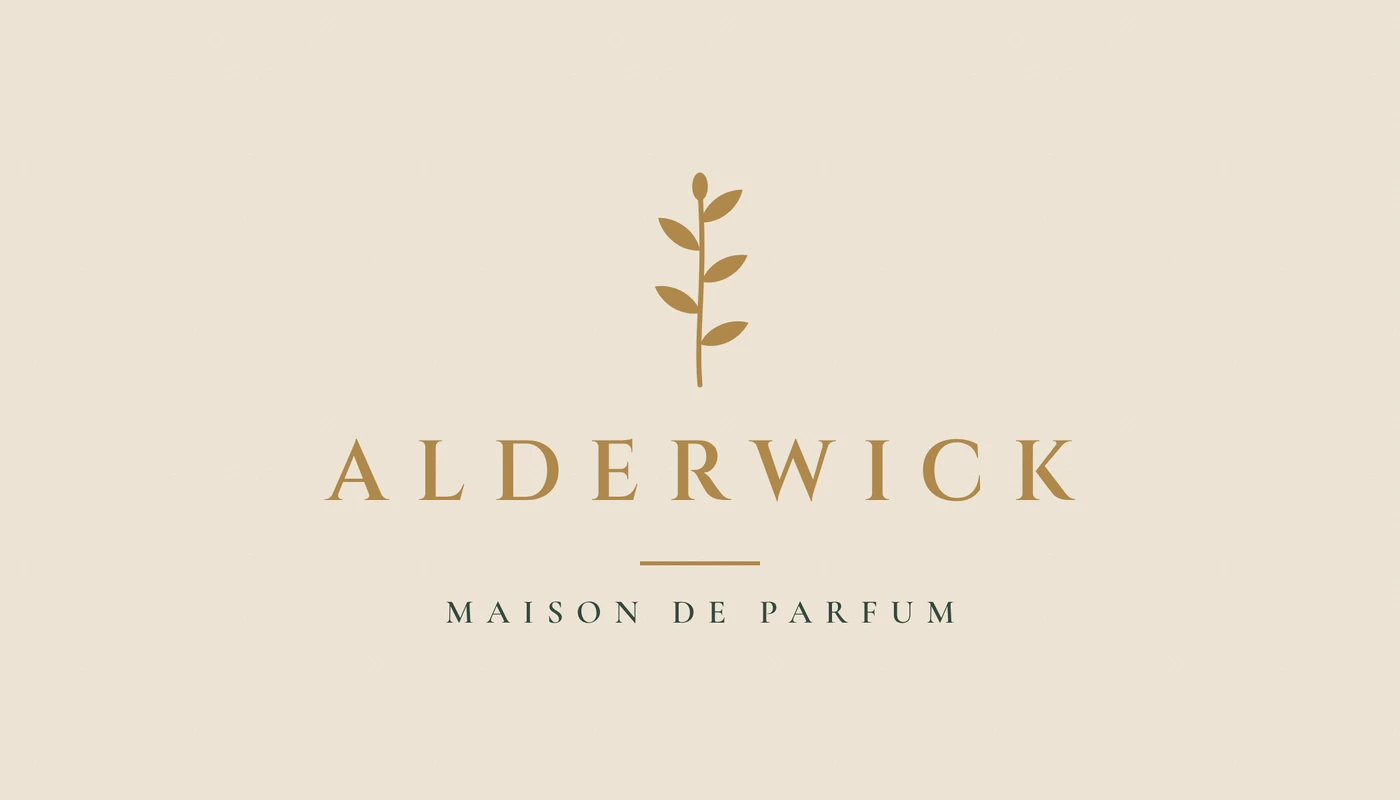
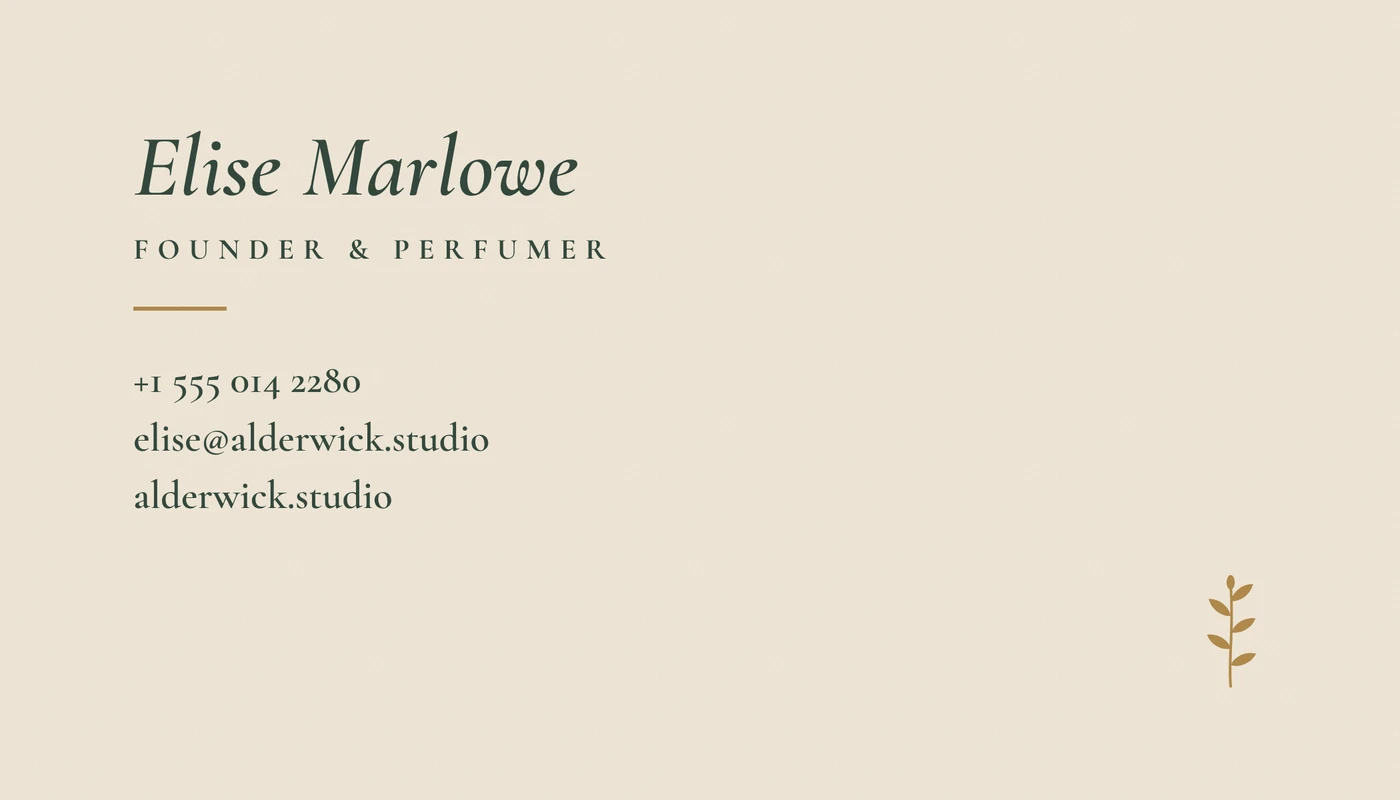
- Antique Gold foil + light deboss
- Letterpress · PMS 5535 U
- Trim (cut line)
- Safe area
| Paper | 32pt duplex cotton, Ivory · two sheets, pressed together |
| Print method | Letterpress, 1 Pantone, both sides |
| Ink | PMS 5535 U · forest green, mixed to the chip |
| Foil | Hot foil stamping: sprig, wordmark, rules · front + back |
| Foil color | Antique Gold · from our foil library |
| Finishes | Light deboss under the foil · edges painted PMS 5535 U |
| Size | 3.5 × 2 in · square corners |
| Quantity | 250 |
Nothing prints until you approve. Reply with changes and we send v2.
Colors on screen are approximate. The approved proof is what prints.
Have something specific?
Tell us about your project and we'll scope it together.
Request a Custom Quote →