NFC Google Review Cards
One tap opens your review form. Your logo and colors, on PVC, real wood or metal.
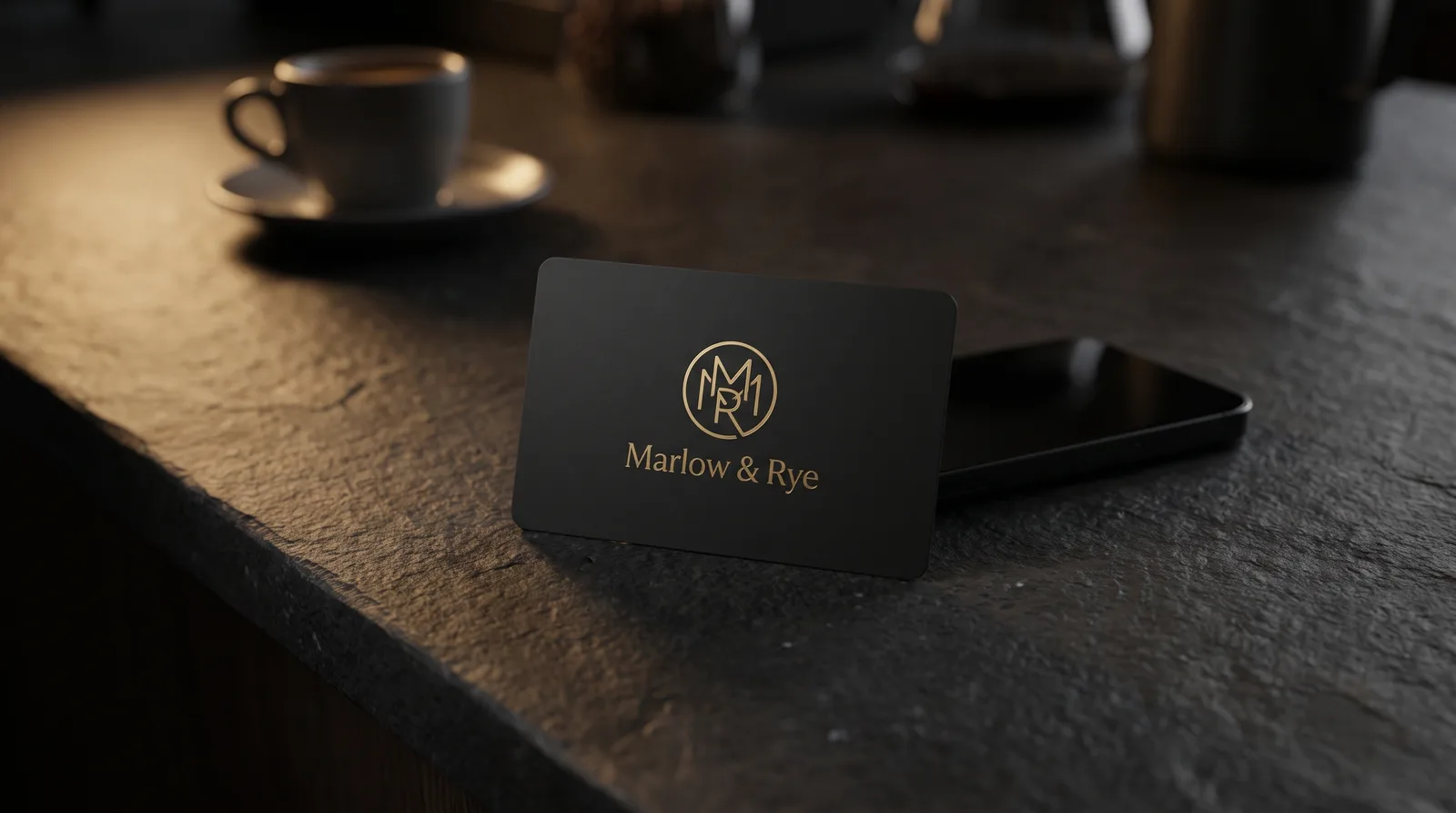
A Google review card is a printed card with an NFC chip sealed inside, programmed with your business's Google review link. A customer taps it to the back of their phone and your review form opens: no app, no searching for your name on Maps. A QR code on the back covers the phones that won't read the chip. We make NFC Google review cards in PVC, real wood and metal, in your colors and with your logo. You hand one over at the moment someone's happy to help you, and leaving a review takes seconds instead of minutes.
- Free design proof
- Pre-programmed with your review link
- About 3 weeks of production after proof approval
- Free shipping within the continental US
How a Google review tap card works
1
Send us your review link.
Copy the short review link from your Google Business Profile (the section How to find your Google review link below shows where). We write it to every chip before the cards ship.
2
Hand over the card.
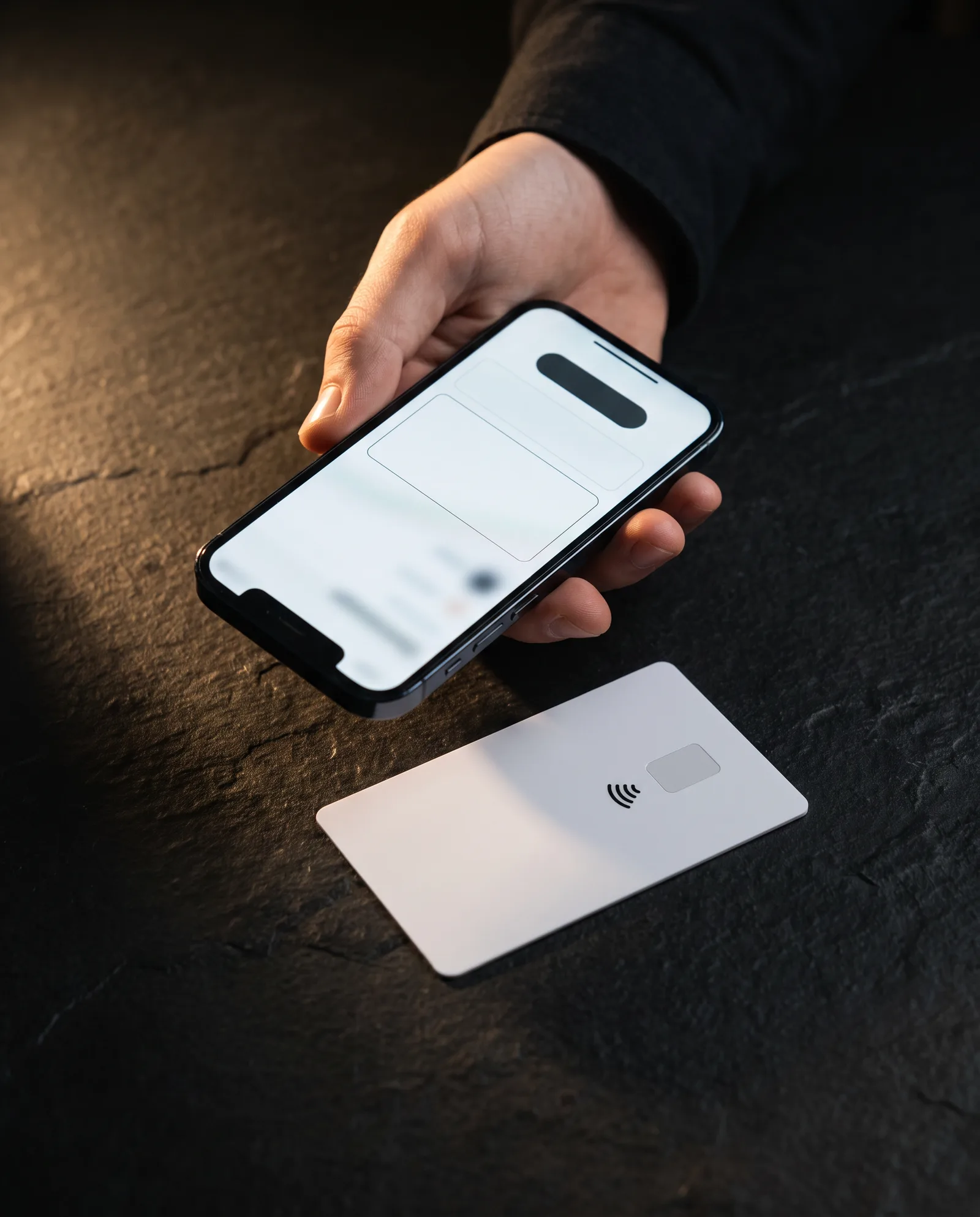
With the bill, at the front desk, at the end of a job. The customer holds it against the back of their phone (near the top on an iPhone).
3
Your review form opens.
A banner appears on their screen; one tap and they're on your Google review page. If they're signed in to Google they can start writing; if not, Google asks them to sign in first. They write what they want to write.
The chip has no battery and stores only your link. It doesn't collect anything about the person who taps it, and it doesn't need Wi-Fi in your shop. The phone powers the chip for the second it takes to read.
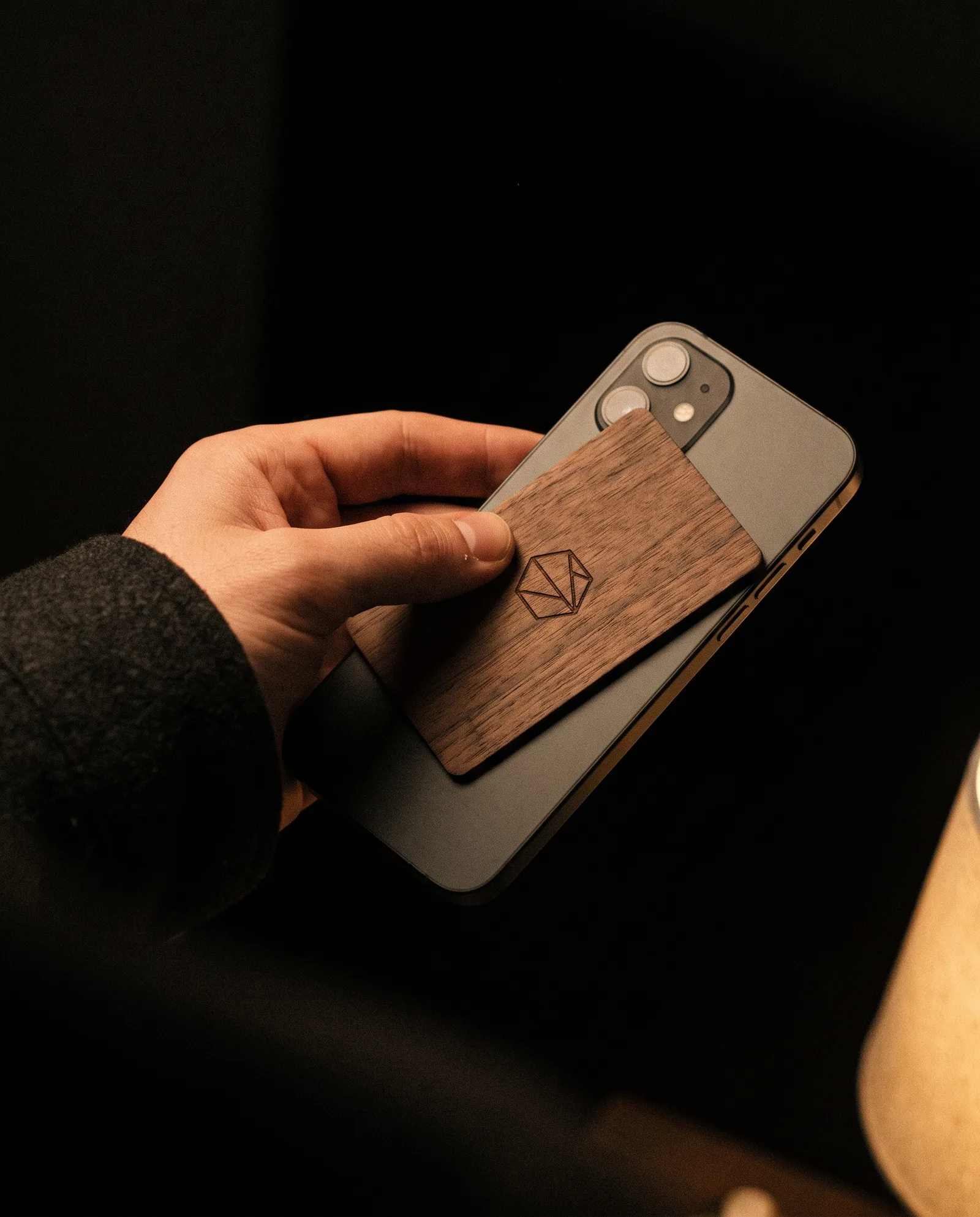
What a review card can and can't do
A card doesn't collect reviews. Asking does. What the card fixes is the gap between "of course I'll leave you a review" and the customer actually finding your listing later, which is where a lot of good intentions disappear. One tap at the counter closes that gap while they're still standing in front of you.
Three things to know before you order:
- Not every phone reads the chip on its own. iPhone XS and newer read NFC in the background, and so do Android phones with NFC switched on. iPhone 7, 8 and X need the NFC reader in Control Center, iPhone 6 and older can't read NFC at all, and some Android owners keep NFC off. That's why every review card we make carries a QR code on the back: flat dark ink on PVC, laser engraved on wood and metal. Between the chip and the code, almost any phone in use today can reach your form.
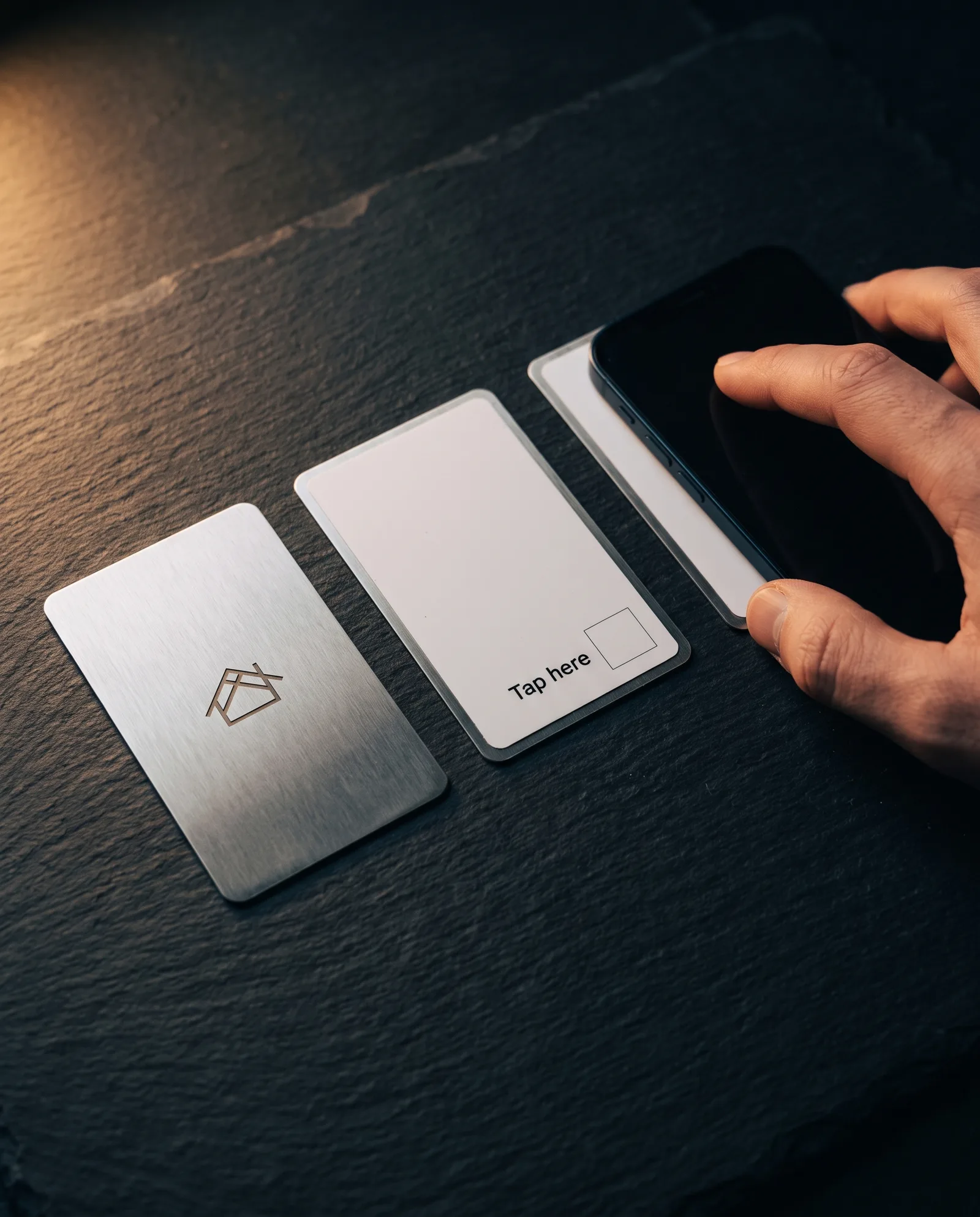
- Metal cards read from the back. Steel blocks the phone's signal, so on our metal card the chip sits in the printed back layer, and that's the side customers tap. We print "Tap here" on that side so nobody taps the steel face and decides the card is broken.
- An unlocked chip can be rewritten by anyone. A card that sits on a table all day is a card a stranger can reprogram with a free app. We lock the chips on review cards, so the link can't be changed by someone else. If you might need to change the link later, point the chip at a redirect on your own website first (see If your link changes below), then lock it.
Ask everyone, not just the happy ones. Google's review policy doesn't allow businesses to selectively ask for positive reviews, or to offer anything in return for a review. So the card says "Tap to leave us a review", not a request for a top rating, and it goes to every customer, not only the ones who smiled. The review link always goes straight to the public review form; we never put a "rate us first" page in between that filters out unhappy customers. That's the only way review cards stay on the right side of the rules, and it's how your reviews end up meaning something.
Choose your review card: PVC, wood or metal
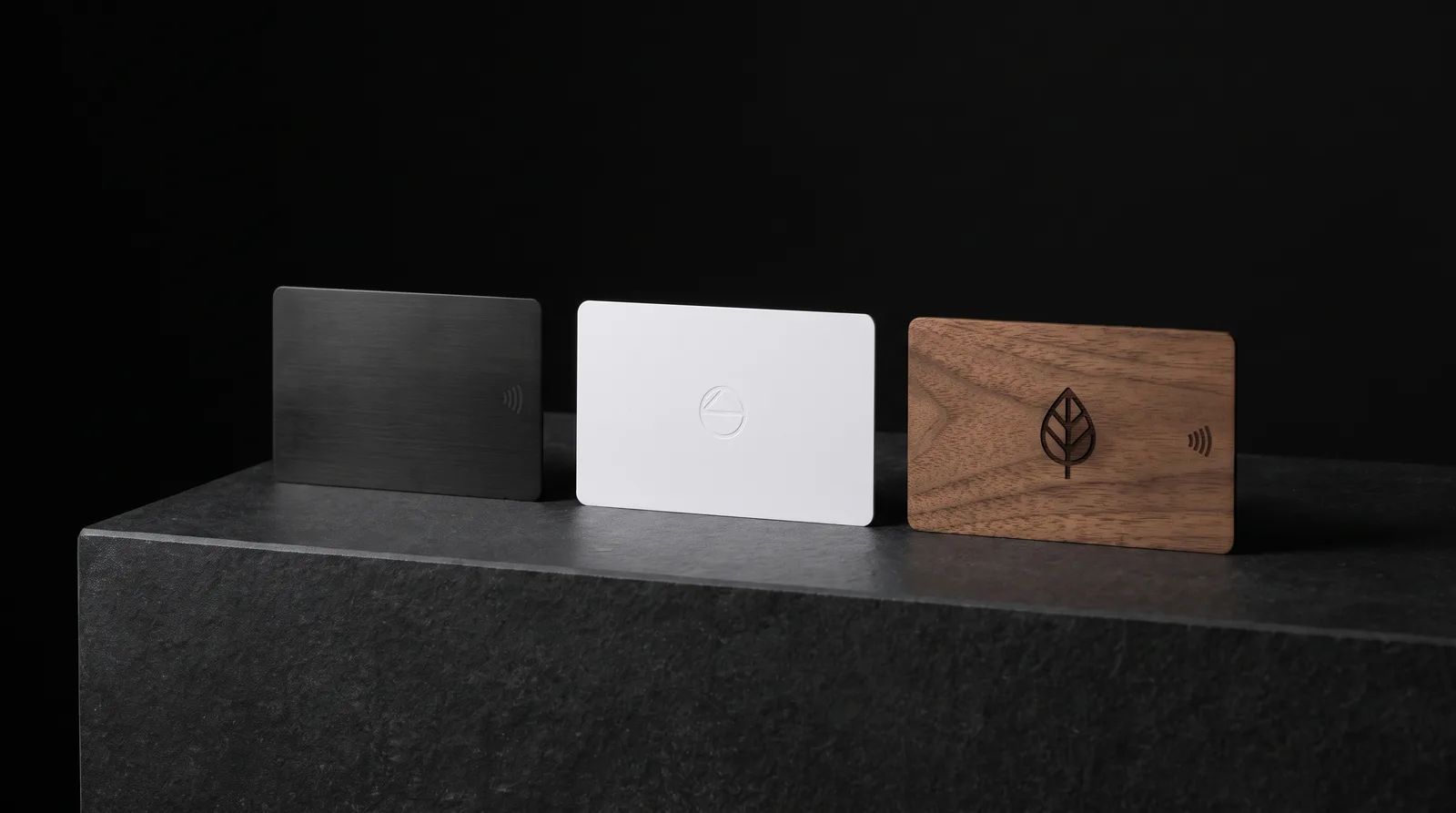
Every NFC card for Google reviews we make has the same chip and the same link; what changes is the object in the hand. Prices are for the card with the chip inside; encoding is listed separately below.
| NFC PVC review card | Walnut wood review card | Metal review card | |
|---|---|---|---|
| What it is | 30 pt white PVC, credit-card size; matte black on request | Real wood (walnut, cherry, birch or bamboo), about 1 mm thick | Stainless steel face bonded to a printed PVC back |
| Where to tap | Either side | Either side | The printed back only |
| Design | Full color both sides; one-side foil logo add-on ($40); foil on plastic depends on the sheet, so our press team confirms it before we promise it | Laser engraved (included) or color printed ($25) | Laser engraved front (included), full color on the back |
| QR backup | Printed in flat dark ink on a light area (included) | Laser engraved ($25) | Laser engraved ($0.60 per card) |
| In the hand | Light, smooth, wipe-clean | Warm, every card's grain different | Heavy, rigid, cold |
| Best for | Restaurants, cafés, salons: cards that get handled all day | Cafés, studios, natural and wellness brands | Sales reps, agents, advisors who hand over their own card |
| Smallest order | $149 for 25 | 50 cards · Get a price | $229 for 25 |
| 100 cards | $249 ($2.49 each) | Get a price | $595 ($5.95 each) |
| Order | Start PVC review cards | Start wood review cards | Start metal review cards |
Our recommendation
Start with 25 PVC review cards with your logo in foil on the front and "Tap to leave us a review" plus the QR code on the back. (Foil on PVC is confirmed by our press team on your proof; if your sheet won't take it cleanly, we tell you before you pay.) PVC shrugs off wet hands, coffee rings and a wipe with a cloth, which matters more than anything else on a card that lives at a counter. If 25 runs out, the reorder is the same file. Choose wood when the material is part of how your place feels; choose metal when the card is the rep's own business card doing double duty.
Every review card ships pre-programmed with your review link. Chip encoding with test-tap QA on the run: priced per order (get a price).
Designing a review card that gets tapped
A review card has one job, so the design should make that job obvious from arm's length.
- Say what to do, in plain words. "Tap to leave us a review" or "Tell us how we did". No star graphics and no request for a top rating. The words invite everyone, which is both the rule and the better ask.
- Show where to tap. A small contactless symbol, or a simple outline of a phone, near the part of the card the chip reads from. On metal that's the back.
- QR on the back, in flat ink. At least 2 cm square with a clear margin around it, dark on a light ground. On a black card the QR sits in a printed light panel, because phone cameras read dark-on-light codes most reliably. Never in foil and never in spot UV: shine scatters the camera and the code stops scanning. We keep foil at least 1 mm clear of the code. On wood and metal the code is laser engraved, on a matte or brushed area rather than mirror polish, which reflects the camera.
- Your brand on the front. Your logo, your colors, your name. One strong technique is plenty; a foil logo on a matte card reads better than three finishes fighting on something this small.
- No Google logo. Your card names your business, not Google's. We don't print the Google "G", Google's colors or star graphics, and we'll suggest wording that doesn't imply Google endorses the card.
- Keep the link off the face. Don't print the review URL as text. It's long, nobody types it, and the chip and QR already carry it.
Two production notes:
- Foil and the chip. A large solid foil flood sitting right over the antenna can shorten the read range, so we keep the antenna zone clear of big foil areas and use foil for the logo and type.
- No embossing on PVC or metal. Plastic won't take an impression and metal isn't embossed like paper. For texture on PVC, we use raised UV or foil; on metal, engraving or etching does the work.
Not sure how to lay it out? Send us your logo and the review link; our designers set the card up and send you a free proof of both sides before anything is made.
How to find your Google review link
Your review link comes from your Google Business Profile, and it takes about a minute to copy.
Sign in to the Google account that manages your business.
Search Google for your business name, or open Google Maps on your phone. Your profile's management panel appears.
Choose Ask for reviews (Google sometimes labels it Get more reviews).
Copy the short link Google gives you and paste it into the order form, or send it to us.
Can't find it? Send us your business name and address with your order and we'll find the link for you and confirm it with you before we program anything.
Test it before you print
Open the link on your own phone in a private browser window. It should open the review form for your business, with the star selector and a text box. If it opens a search page or the wrong location, the link is wrong, and so is every card it goes onto. We test-tap a card from every run against the link you approved.
If your link changes: moves, rebrands, new locations
Most businesses keep the same review link for years. It changes when the Google profile changes: a move that creates a new listing, a merger, a rename that started a fresh profile. A card that points straight at Google's link is out of date the day that happens.
The fix costs nothing and takes ten minutes: point the chip and the QR code at a short address on your own website, such as yourbusiness.com/review, and set that address to forward to your Google review link. If the Google link ever changes, you change where /review forwards. The cards in every drawer keep working, and nobody has to rewrite a chip.
We'll program the chip and print the QR to whichever address you give us. If you set up the forward, give us that one.
Several locations? Each location has its own Google profile and its own review link, so each location gets its own run of cards. Order them together through a custom quote and we'll set up one design with a different link per location, so every card goes to the right listing.
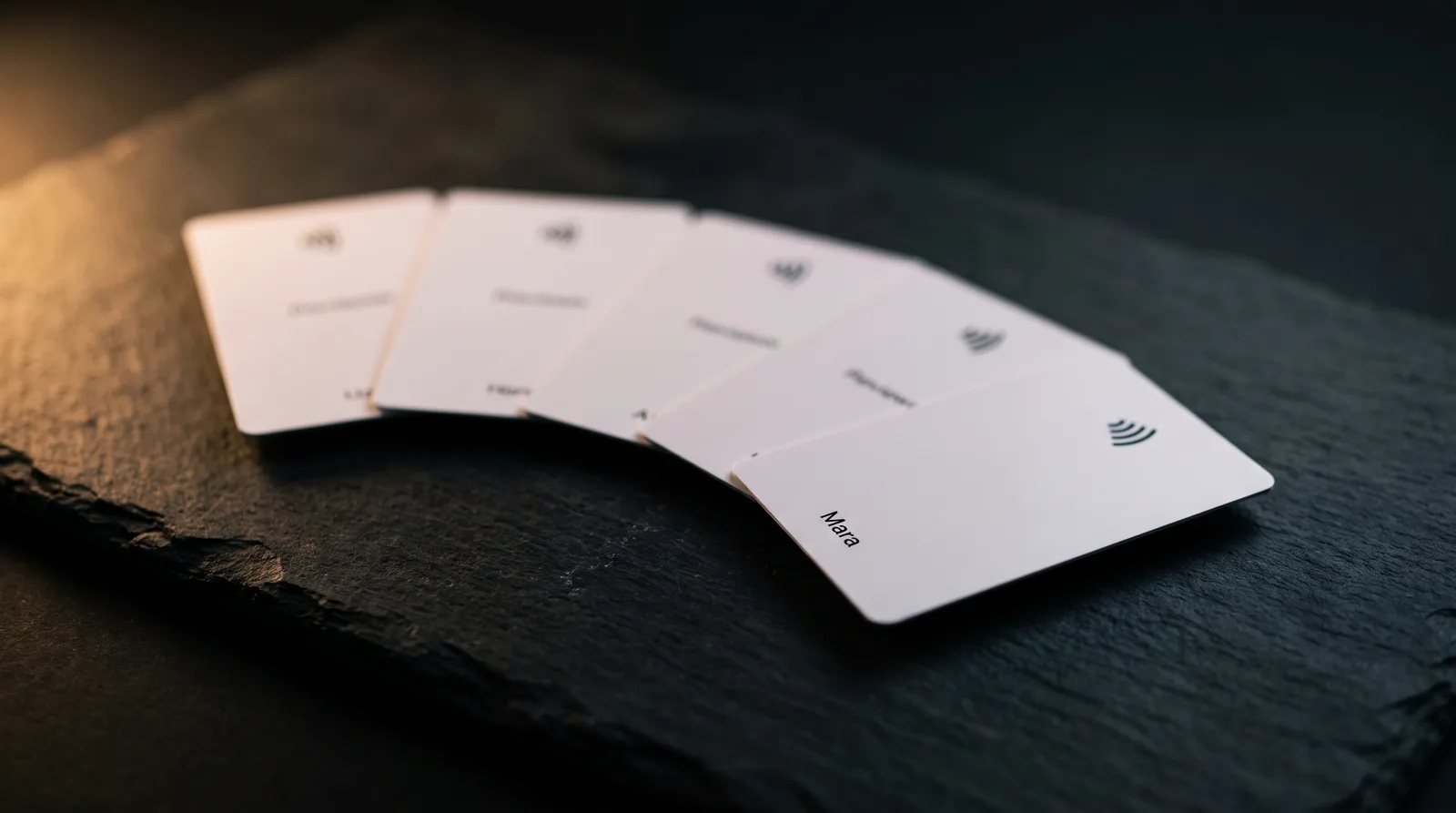
One card per staff member? We can print a different name on each card and program each one to the same review link, or, if your team keeps individual profiles, to each person's own link. That's quoted as a team order.
Where review cards earn their place
- Restaurants, cafés and bars. One card in the bill folder. It comes back with the folder, so a run of 25 goes a long way across tables.
- Salons, barbers, spas and studios. At the front desk, handed over while the next appointment is being booked.
- Clinics and practices. Handed over at checkout. (Health practices: check your own professional rules on asking for reviews before you order.)
- Home services. The technician leaves one behind at the end of the job. Stuck on the fridge, it can still be there next week.
- Real estate, mortgage and financial advisors. A metal or wood card at closing, with the review tap on the back of the adviser's own card.
- Hotels and guesthouses. On the desk at check-out, or in the room with the Wi-Fi card.
Turnaround, proof and ordering
Review cards are made in our Studio line: about 3 weeks of production after you approve the proof, plus shipping. That's an estimate, not a delivery date. If you need cards for an opening or a relaunch, order at least 4–5 weeks ahead and put the date in the order notes; if it looks tight, we'll tell you before you pay.
- Free design proof. A designer checks your file, sets the QR code, and sends a proof showing both sides.
- Programmed and checked. We write your link to every chip and test-tap the run before it ships.
- Shipping. Free shipping within the continental US on these Studio orders.
- If you're not happy, we reprint. How reprints work
Turnaround and shipping · How proofing works
Want to feel PVC, wood and metal before you choose? Our sample kit is $8 with a $10 credit toward your first order. It shows our materials and finishes; it doesn't include a programmed review card.
Google review card questions
What is an NFC Google review card?
An NFC Google review card is a printed card with a small chip and antenna sealed inside, programmed with your business's Google review link. When a customer taps it to the back of their phone, your review form opens, with no app and no searching for your listing. Ours also carry a QR code on the back (flat dark ink on PVC, laser engraved on wood and metal), so phones that don't read NFC can scan it instead. We make them in PVC, real wood and metal, in your own branding.
Does a Google review card use NFC or a QR code?
Ours use both. The NFC chip inside handles the one-tap open on iPhone XS and newer and on Android phones with NFC switched on. The QR code on the back covers everything else: older iPhones, Android phones with NFC turned off, and anyone who'd rather use the camera. Some Google review cards sold online are QR code cards only, or NFC only; we put both on every review card because the point is that nobody gets stuck.
How much are Google review cards?
Our NFC PVC review cards are $149 for 25 and $249 for 100, about $2.49 a card at 100. Wood review cards start at 50 cards (get a price) and metal at $229 for 25. Prices include the chip, full-color printing (PVC) or laser engraving (wood and metal), and a free design proof. Encoding your review link with test-tap QA is priced per order (get a price), and a foil logo on PVC is $40. Shipping within the continental US is free on these orders.
How do I get my Google review link?
Sign in to the Google account that manages your business, search Google for your business name (or open Google Maps), and in your profile's management panel choose "Ask for reviews" (sometimes labelled "Get more reviews"). Copy the short link it gives you. Test it in a private browser window on your phone: it should open your review form with the star selector. If you can't find it, send us your business name and address and we'll find the link and confirm it with you before we program anything.
Do customers need an app to use the card?
No. iPhone XS, XS Max, XR and every newer iPhone read the chip in the background when the phone is unlocked; the customer holds the card near the top of the back of the phone and taps the banner. Android phones read it when NFC is switched on; if nothing happens, NFC is usually off in the phone's settings. iPhone 7, 8 and X can read it through the NFC reader in Control Center. For anything older, the QR code on the back opens the same form with the camera.
Are NFC review cards allowed by Google?
Yes, as long as you use them the way Google's rules expect. Asking customers for reviews is fine. What Google's policy doesn't allow is selectively asking only happy customers, discouraging negative reviews, or offering a discount, gift or anything else in return for a review. So hand the card to every customer, keep the wording neutral ("Tap to leave us a review"), and never attach a reward. Our cards go straight to your public review form, with no screening page in between.
Can I change the link after the cards are printed?
Not on a locked chip, and review cards should be locked so nobody else can rewrite them. The way to stay flexible is to point the chip and the QR code at a short address on your own website, such as yourbusiness.com/review, that forwards to your Google review link. If you move, rebrand or get a new Google profile, you change where that address forwards and every card you've already handed out keeps working.
Can each location, or each staff member, have its own link?
Yes. Each location has its own Google profile and review link, so each location gets its own run of cards, all from one shared design. We can also print a different name on every card for staff. Multi-location and per-person orders are quoted together: send us the list of locations or names and links through a custom quote and we'll price the set.
Can someone reprogram my review card?
Only if the chip is left unlocked. An unlocked NFC chip can be rewritten by anyone with a free app, which is a real risk for a card that sits on a counter or a table. We lock the chips on review cards after writing your link, so they can't be changed by a stranger. Lock to a forwarding address on your own site and you keep control of the destination without ever touching the cards.
Can I make my own Google review card?
You can. Buy blank NFC cards or stickers, write your review link with a free NFC writing app such as NFC Tools, and lock the chip in the same app. What you won't get is a card that looks like your business: printed in your colors, with your logo, a QR backup set at a size that scans, and a material that survives a busy counter. If the card represents you to every customer, that's what you're paying us for.
Why does the card need a QR code if it has a chip?
Because not every phone reads NFC on its own. iPhone 6 and older can't, iPhone 7, 8 and X need the Control Center reader opened first, and some Android owners switch NFC off. A QR code on the back, at least 2 cm square, opens the same review form with the camera. On PVC we print it in flat dark ink, never in foil or spot UV, because shine scatters the camera and stops the code scanning; on wood and metal it's laser engraved on a matte area.
Can you put the Google logo or star graphics on the card?
We don't. Star graphics and requests for a top rating suggest you only want positive reviews, which runs against Google's review policy, and the Google logo implies an endorsement your card doesn't have. The card carries your brand and a plain invitation such as "Tap to leave us a review" or "Tell us how we did". That wording works with every customer, which is the point.
Does it work through a phone case, and on metal cards?
Most phone cases are fine. The card needs to be within about 1–3 cm of the phone's reader, near the top of the back on an iPhone and usually near the middle on Android. Thick rugged cases, metal cases and magnetic wallets on the back of the phone can block it. Metal cards work when they're built for it: steel blocks the signal, so our metal card reads from its printed back, and we mark that side "Tap here".
How long do review cards take?
About 3 weeks of production after you approve the proof, plus shipping. That's an estimate, not a guaranteed delivery date. If you need the cards for an opening or relaunch, order 4–5 weeks ahead and put the date in your order notes; if the timing looks tight, we'll tell you before you pay. Every order starts with a free proof of both sides.
How do I get NFC Google review cards made?
Choose PVC, wood or metal, then send us your logo and your Google review link (or your business name and address if you can't find the link). Our designers set up the front and the back with the QR code and send you a free proof of both sides. Once you approve it, we make the cards, write your link to the chips, test-tap the run and ship them, about 3 weeks of production after proof approval plus shipping. For several locations or one card per staff member, start with a custom quote so each card gets the right link.
Do you make Google review stands for the counter?
Not as a standard product. Today we make review cards in PVC, wood and metal, which customers can hold and take home. If you want something that stays on the counter, send us a custom quote request with the size and material you have in mind, and we'll tell you honestly whether we can make it with the chip and QR code built in.
Send us your logo and your review link
We'll recommend the material, set up the card with the QR backup, and send a free proof of both sides before anything is made.
Google is a trademark of Google LLC. Print Peppermint is not affiliated with, sponsored or endorsed by Google. Review cards open your business's public review form; how and when reviews appear is up to Google.